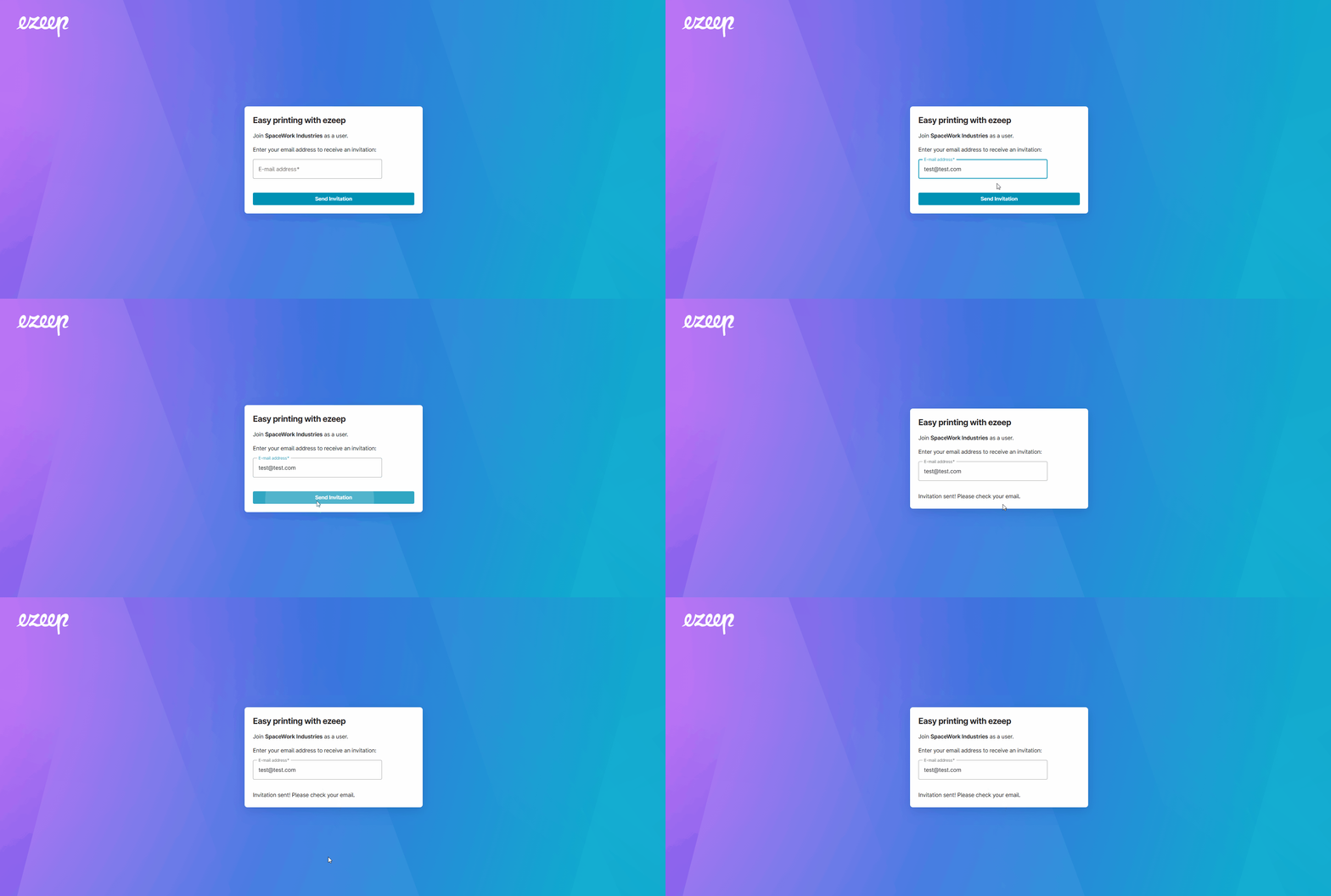
Onboarding has never been easier! All you have to do is scan the Self-Join QR Code or navigate to the URL link with your preferred device.
(If you do not have the link or QR code, have the ezeep admin share it. See - Self-Join Onboarding)
Users can scan the QR code or open the link on their preferred device.
- Enter your email address to sign up
- You must verify email address by opening the invite and clicking on the verify link.
- Create an ezeep account. Follow the prompts.
- The user is ready to print via the ezeep portal or download the ezeep print app! See Install the ezeep print app